中文 English
You are here: Fluid Machinery Templates and Tutorials > Centrifugal Pump > Centrifugal Pump Tutorials > Step 3 – Running the NPSHr script

Step 3 – Running the NPSHr script

  1. Launch Command Prompt.
  2. Run NPSHr_sub_revA.exe python compiled executable file. Ensure that the two project files (Steady and Transient), input text file and executable files are available in the working directory.
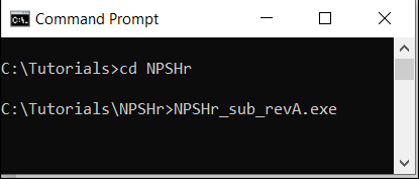
Figure 6.47 - Running the NPSHr script


´

Note:

  1. Do not open Simerics project and results files while script is running. If user wants to see any files, copy to some other folder and open.
  2. After running the script, project file, results file and results.csv files are written corresponding to the flowrate and number of iterations provided (here steps are referred as iterations).


Copyright © 2023 Simerics Inc.,