|
You are here: Fluid Machinery Templates and Tutorials > Crescent Pump > Crescent Pump Tutorial > Contours
|
Contours
The most common contours for the crescent pump simulation are the pressure and the velocity contours across the domain. They are obtained as follows:
- Click Load Results in the Simulation Panel.
- Select the required result file in the ensuing Load Results dialog box, click Open.
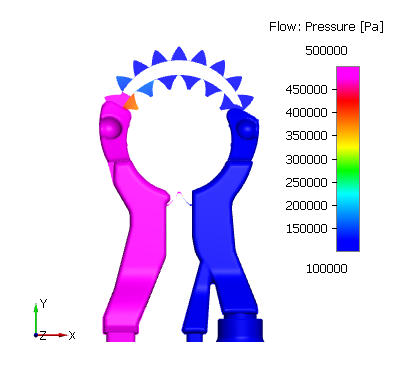
Pressure Contours
- Select Volumes in the Geometric Entities Panel.
- Select Total Pressure from the Derived Variables list under Variable drop-down list in the Results Panel (see, Figure 6.347). For variables and legends refer, Post-Processing.
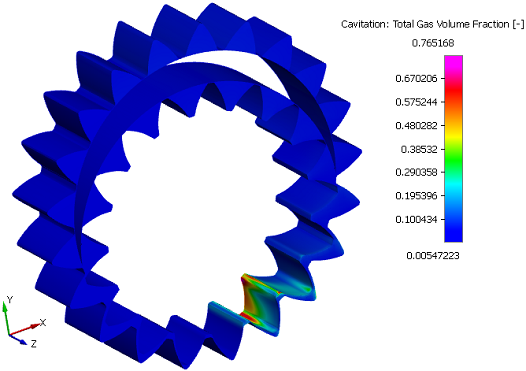
Gas Volume Fraction contours
This gives information about the cavitation and aeration occurring in the pump.
- Select Volumes in the Geometric Entities Panel.
- Select Total Gas Volume Fraction from the Derived Variables list under Variable drop-down list in the Results Panel (see, Figure 6.348).
Changes to the display, such as legend, contour color, image sizing, transparency can be made under the View Tab of Properties Panel.