Contours
The most common contours for the VDVP pump simulation are the pressure, the total gas volume fraction across the domain. The steps to create contours are:
- Click Load Results in the Simulation Panel.
- Select the required result file in the ensuing Load Results dialog box, click Open.
Pressure Contours
- Select Volumes in the Geometric Entities Panel.
- Select Pressure from the Variables drop-down list under Variable in the Results Panel. For variables and legends refer, Post-Processing.
Total Gas Volume Fraction contours
This gives information about the cavitation and aeration occurring in the pump.
- Select vane in the Geometric Entities Panel.
- Select Total Gas Volume Fraction from the Derived Variables drop-down list under Variable in the Results Panel.
| ´ | Note: Changes to the display, such as legend, contour color, image sizing, transparency can be made under the View Tab of Properties Panel. |
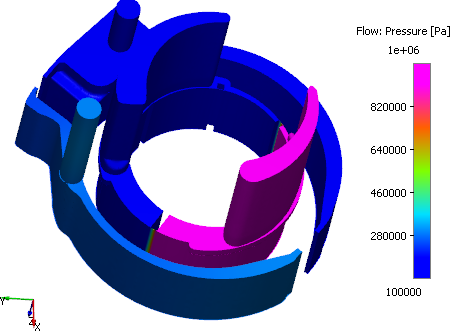
Figure 6.282 - Pressure contours |
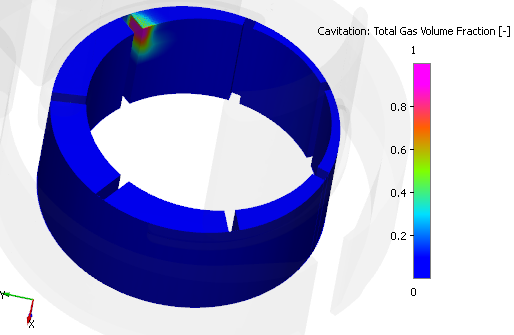
Figure 6.283 - Gas volume fraction contours |