|
You are here: Additional Templates and Tutorials > GT-SUITE Coupling Module and Tutorial > GT Coupling Tutorials > Preparing the CFD Fluid model
|
Preparing the CFD Fluid model
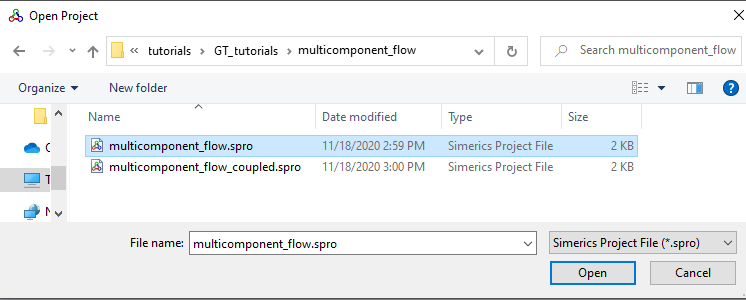
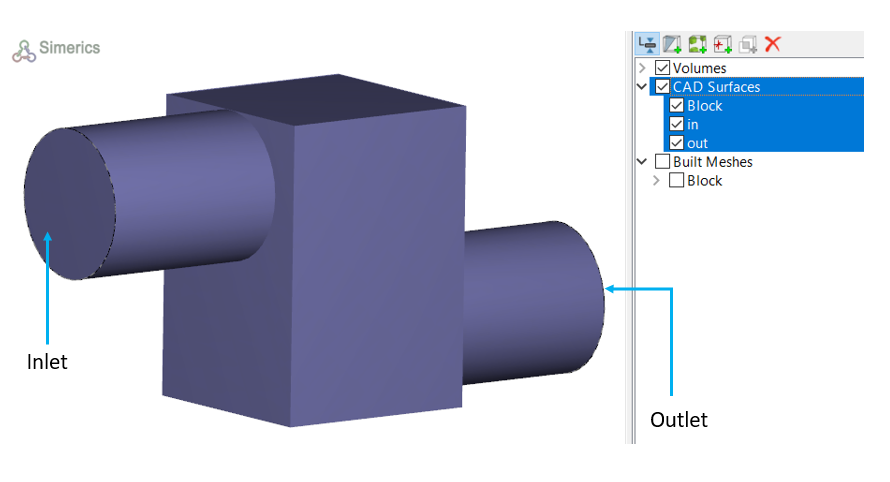
The GT Coupling working folder contains the BlockMix-V2020.gtm file, which is the GT-SUITE model. The 3D fluid model is setup in Simerics-MP+ for the multicomponent flow and is saved in the tutorial working folder as multicomponent_flow.spro, as shown in Figure 10.101. It is a simple multi-component case with two components: diesel_vap and n2_vap, where both components are simulated using ideal gas law.
To know the steps on how to setup fluid simulations in Simerics-MP, check Tutorials.
Procedure to couple GT-SUITE file with Simerics-MP+
|
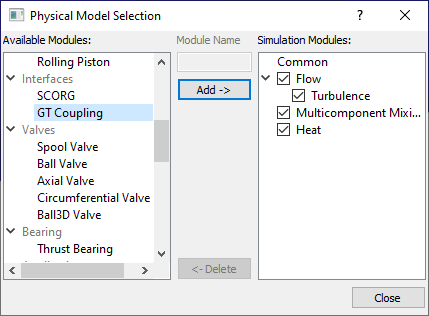
Figure 10.103 - Adding GT Coupling module |
| Note: Only one GT coupling module is allowed in a Simerics-MP+ project. |