Animations
Animations are created by adding streamlines into the simulation. The steps for creating an animation are shown below:
- Click Load Results in the Simulation Panel.
- Select the required result file in the ensuing Load Results dialog box, click Open.
Streamlines colored with velocity magnitude.
- Select Streamline in the Geometric Entities Panel.
- Enter 0.01 for Line Thickness and 7 for Animation Time Size in Model Tab of Properties Panel.
- Select Velocity Magnitude from the Derived Variables list in the Variable drop-down list of Results Panel.
- Select cabin_chair and cabin_table under Boundaries and hold down Ctrl key while you select outer_bot_surface, outer_front_cut, outer_surfaces, outer_top_surface and outer_window_rim under CAD Surfaces is the Geometric Entities Panel.
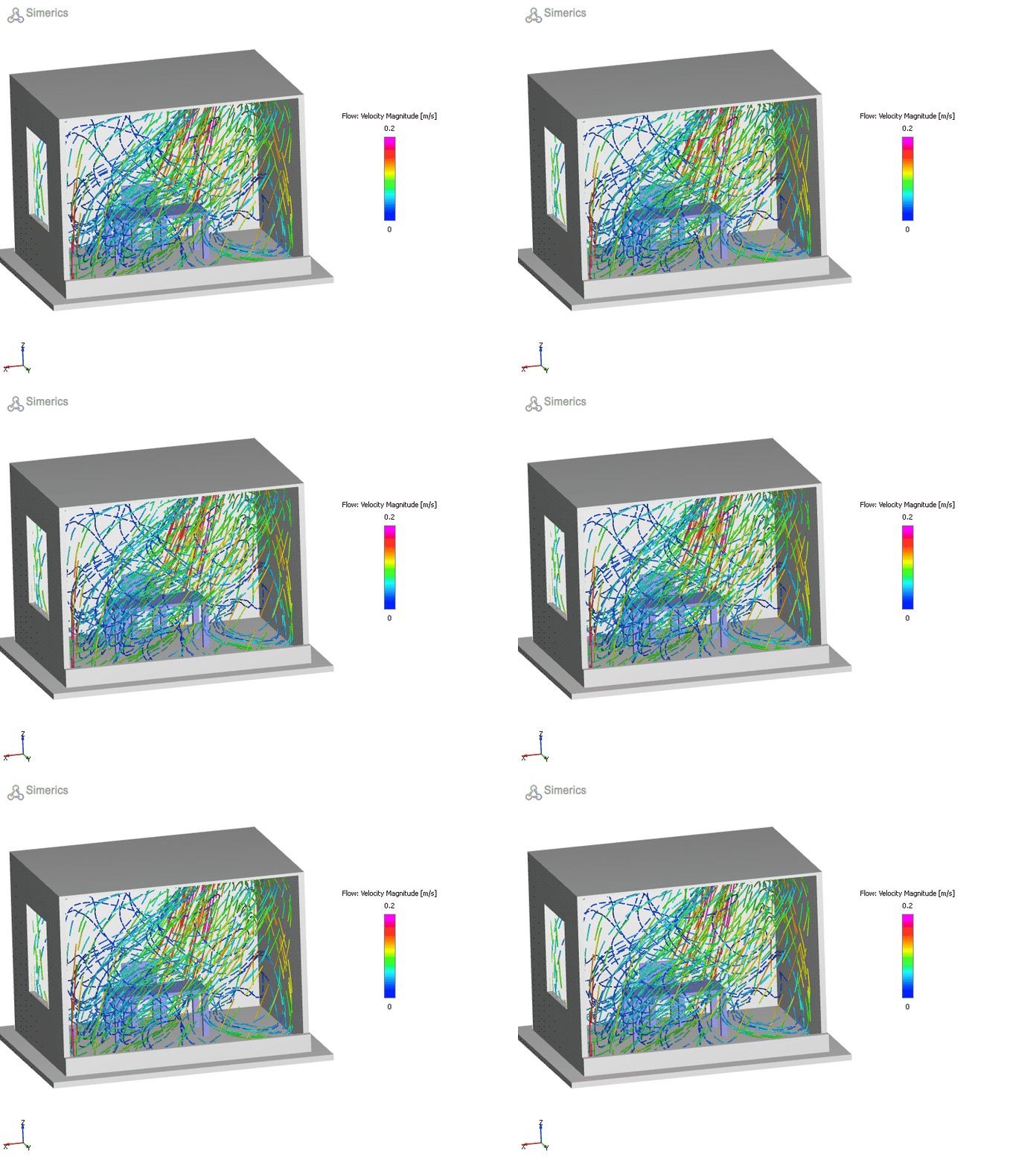
Figure 11.148 - Cabin radiation