Animations
Animations are created by adding streamlines into the simulation. The steps for creating an animation are shown below:
Streamline for Air
- Select Streamline in the Geometric Entities Panel.
- Enter 0.001 m for Line Thickness and 0.0001 for Animation Time Size.
-
Select Temperature from the Variables list in the Variable drop-down list of Results Panel.
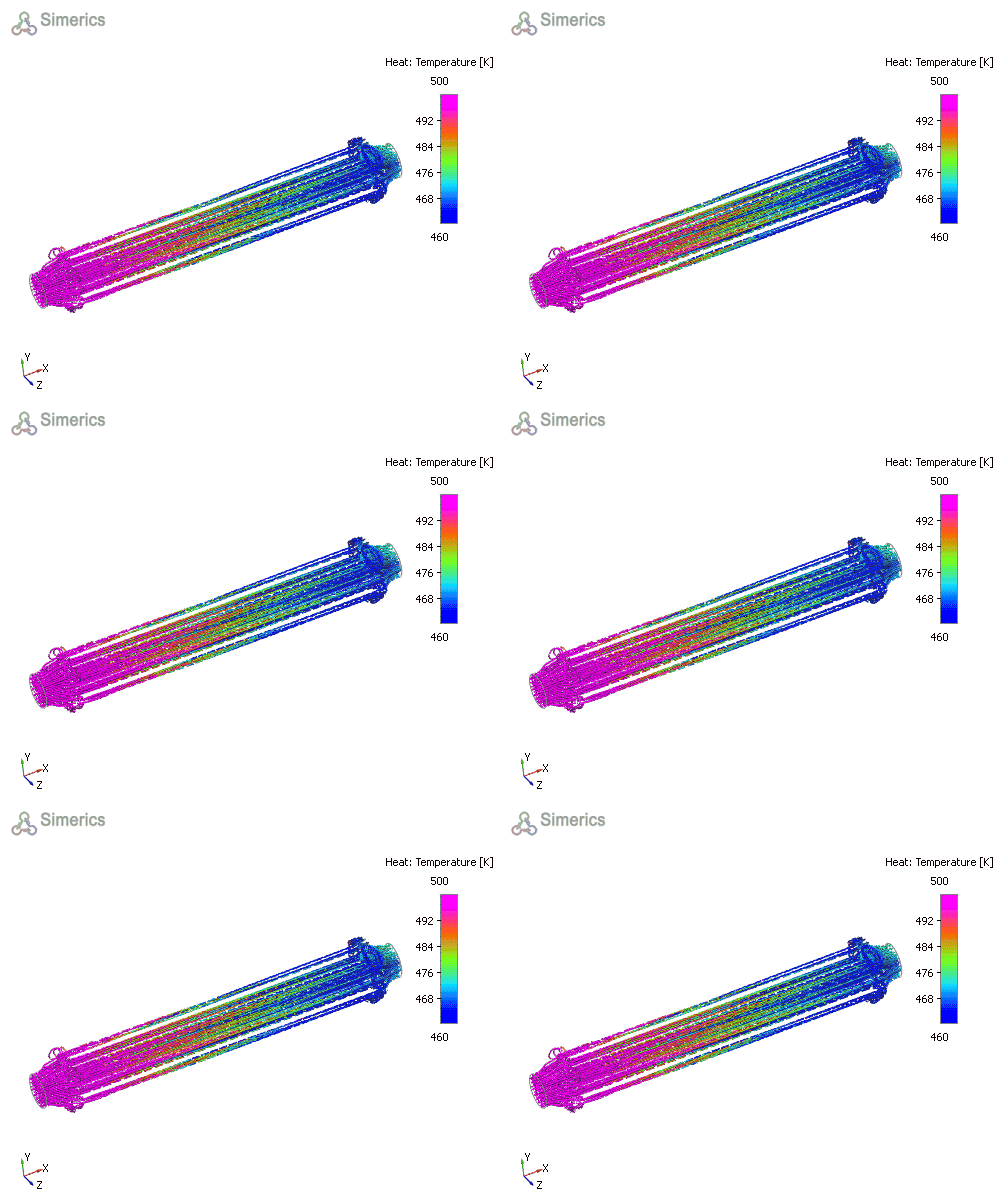
Figure 11.73 - Streamline for air volume
Streamline for Coolant
- Select Streamline in the Geometric Entities Panel.
- Enter 0.0005 m for Line Thickness and 0.015 for Animation Time Size.
- Select Velocity Magnitude from the Derived Variables list in the Variable drop-down list of Results Panel.
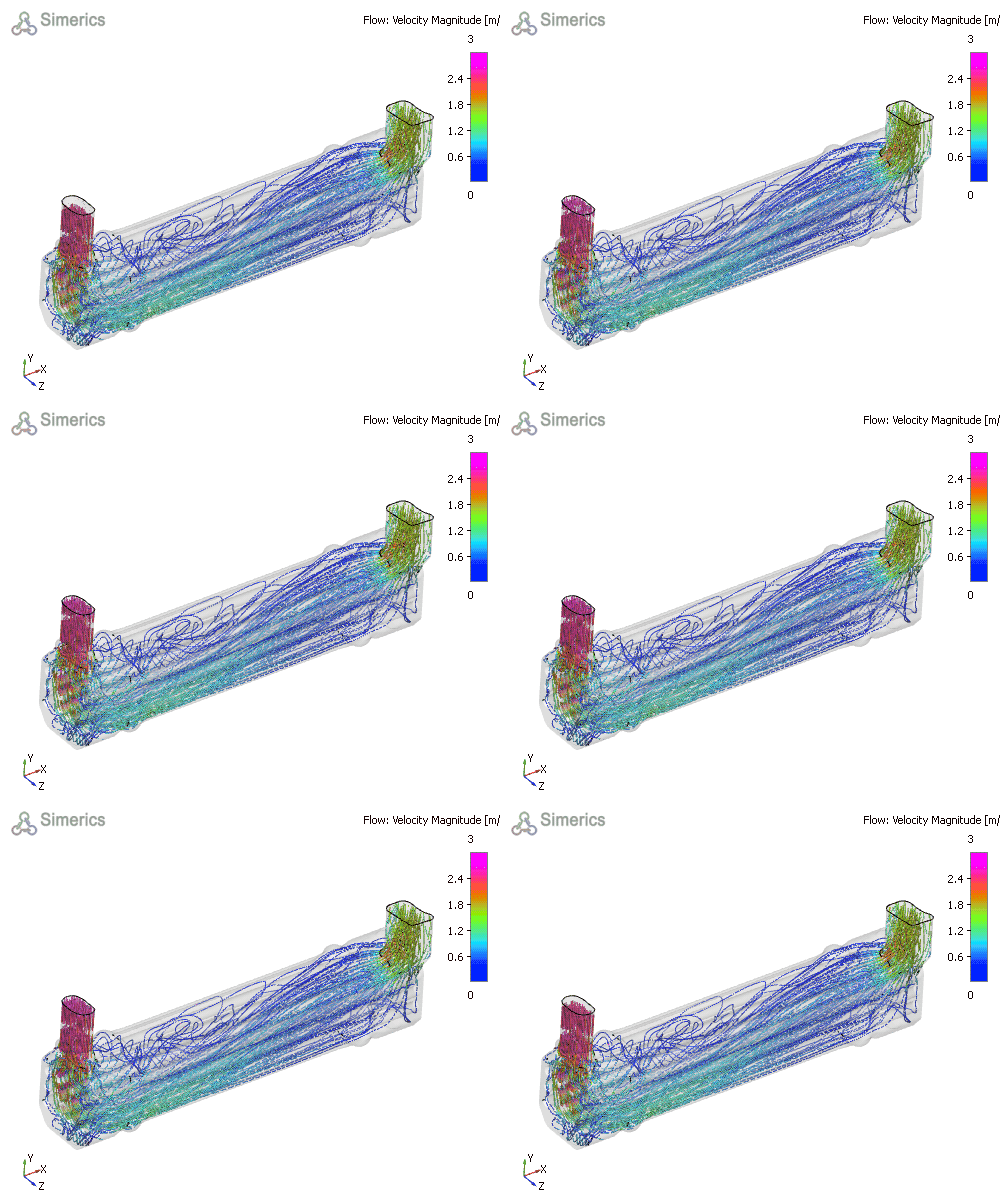
Figure 11.74 - Streamline for coolant volume