Animations
The streamlines are displayed over the truck body as follows:
- Select CAB and TRAILER from the Boundaries list in the Geometric Entities Panel.
- Select Yes for Release Particle under Streamline list in the Model Tab of Properties Panel.
- Enter 100 as Number of Particles.
- Select Streamline in the Geometric Entities Panel.
- Enter 0.02 for Line Thickness and 0.1 for Animation Time Size in the Model Tab of Properties Panel.
- Switch to View Tab of Properties Panel and specify the values as follows:
- Select Velocity X [Flow] for Display Variable drop-down list.
- Enter -5 for Minimum.
- Enter 20 for Maximum.
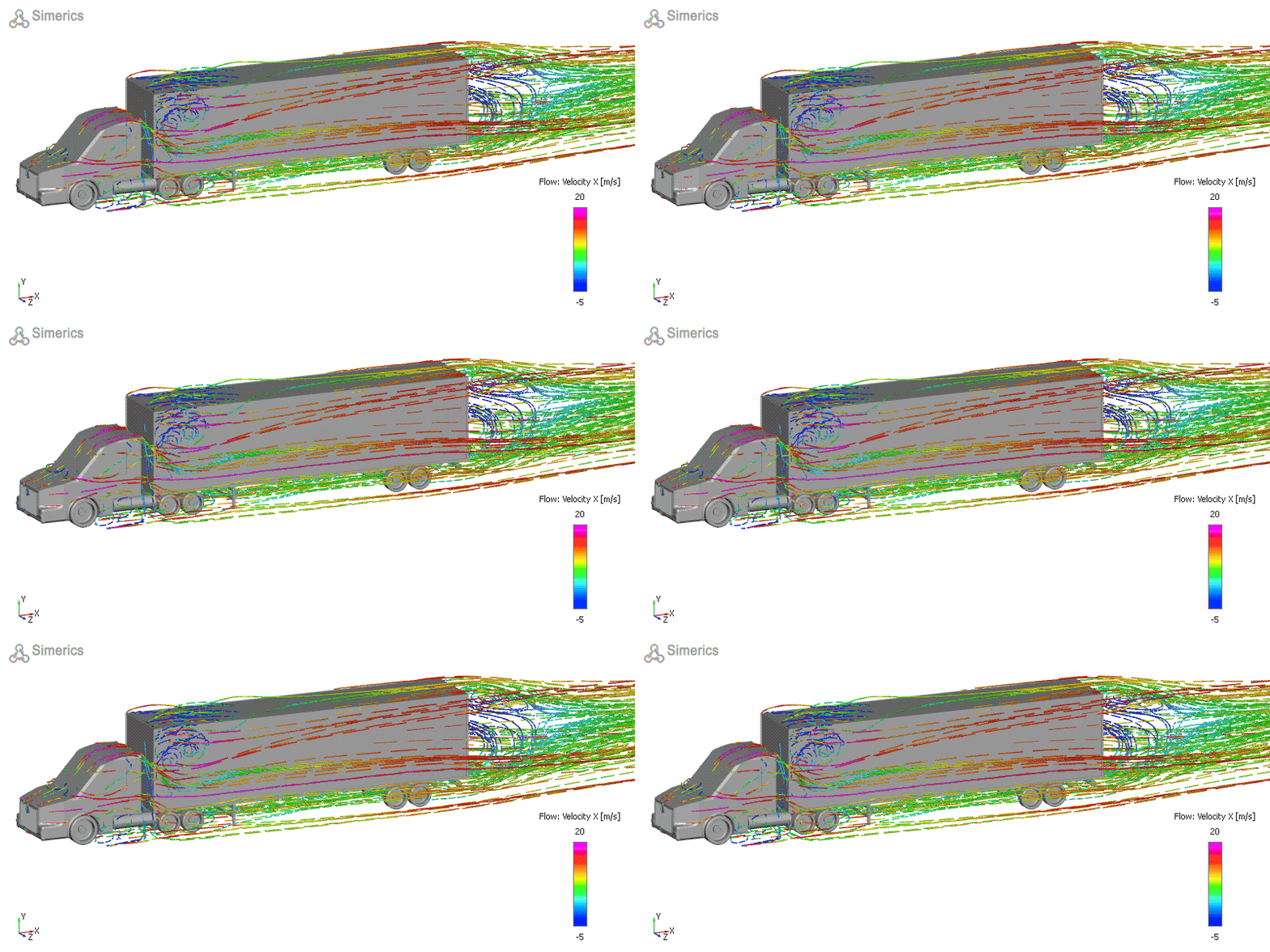
Figure 11.198 - Streamlines over truck body