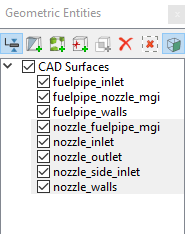
Computational domain
This section explains the preparation of surfaces to create the domain. This is done with the operations splitting, combining and renaming of the surfaces.
Fuel Pipe Surfaces
- Select CAD Surfaces fuelpipe in the Geometric Entities Panel.
- Select Split by Angle from the Operation drop-down list in the Properties Panel.
- Enter 75 deg for Angle and click Split by Angle. Three new CAD Surfaces are created in the Geometric Entities Panel.
- Select CAD Surfaces fuelpipe_01, fuelpipe_02 and fuelpipe_03, rename them as fuelpipe_walls, fuelpipe_inlet and fuelpipe_nozzle_mgi respectively.
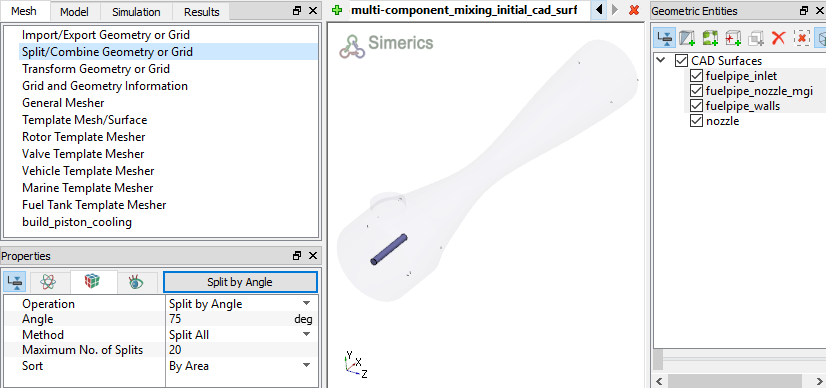
Figure 11.151 - Fuel pipe surfaces
Nozzle Surfaces
|
Figure 11.152 - Nozzle surfaces |