12.3 Isosurface
|
Isosurfaces are surfaces that envelope regions of specified scalar value of a selected variable.
- Isosurfaces envelope the region less than (Below Value), equal to (Single Value) or greater than (Above Value) and also between two scalars using a Value Range.
- The shape of a given isosurface depends on the Isosurface Variable, Display Option and Value set in the Geometry Tab of Properties Panel.
- The Value of a selected isosurface can be adjusted using the slide bar at the bottom of the Geometric Entities Panel.
|
|
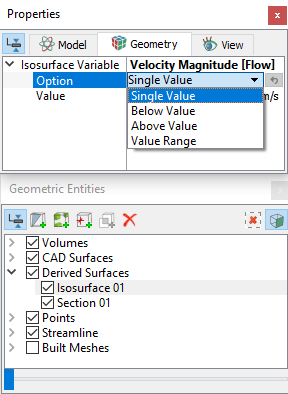
Figure 12.13 - Isosurface parameters
|
Create a Isosurface
- Click Create an Isosurface
 in the Geometric Entities Panel. An Isosurface 01 is created under Derived Surfaces. in the Geometric Entities Panel. An Isosurface 01 is created under Derived Surfaces.
- Select variable for Isosurface Variable drop-down list in the Geometry Tab of Properties Panel.
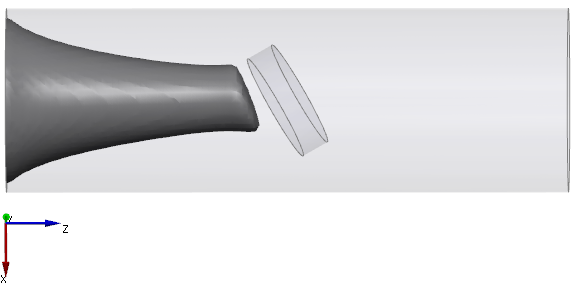
- Select options for Option drop-down list to envelope region and set desired Value as shown in Figure 12.14.
Similar to other surfaces, such as boundaries and sections, user can view the grid, contours with the same or different variable and vectors on an Isosurface.
|
|
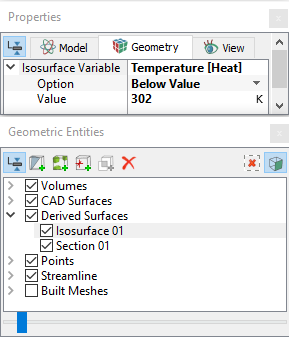
Figure 12.14 - Isosurface
|
Export a Isosurface
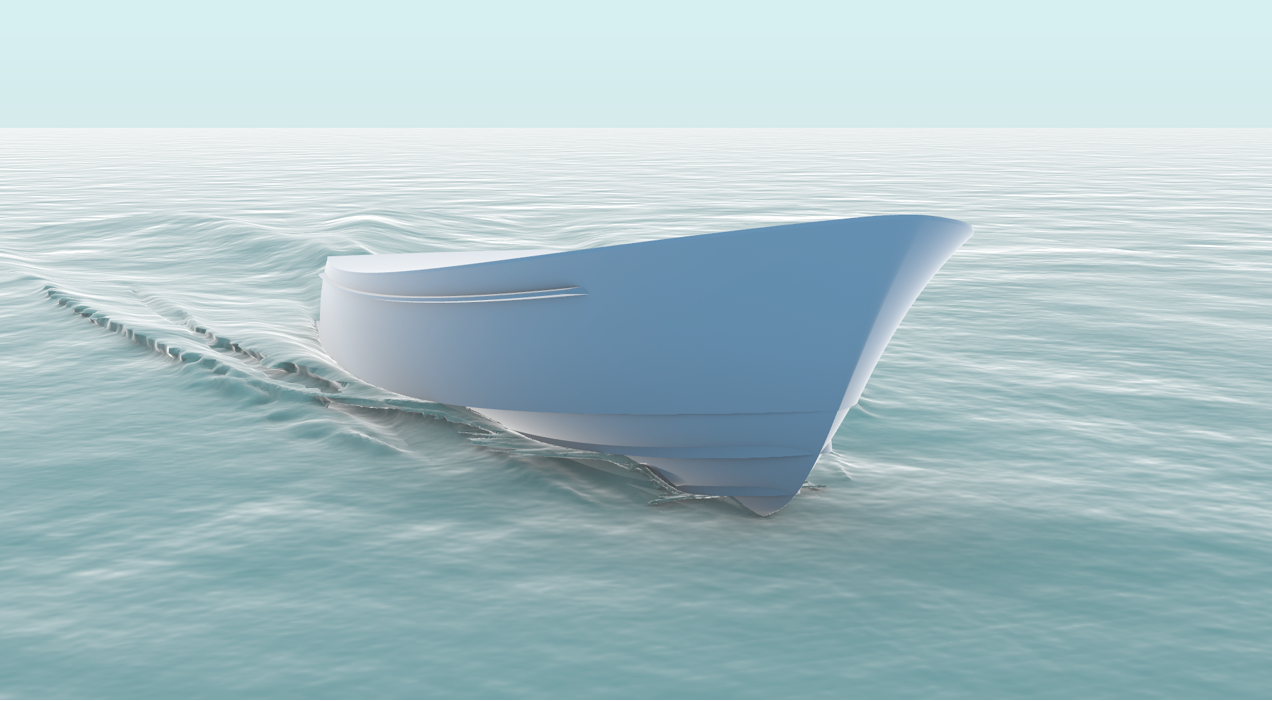
Using this option, Isosurface created from simulation results for instance, Isosurface from a multiphase flow simulation can be exported to STL format for further rendering as shown in Figure 12.16.
- Click on the Isosurface 01 created under Derived Surfaces.
- Select variable for Isosurface Variable drop-down list in the Geometry Tab of Properties Panel.
- Select options for Option drop-down list to envelope region and set desired Value as shown in Figure 12.15.
- Select Yes for Export drop-down list.
- Select File > Save Animation.
- Select the required result file for Isosurface data in the Select Result Files dialog box.
- The next pop-up window appears asking the user to input a File name for the Isosurface. Select the Save as type as STL Format (*.stl).
- Click Save.
|
|
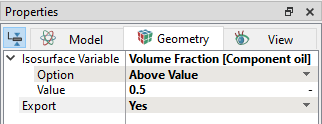
Figure 12.15 - Export Isosurface
|
Isosurface exported as STL Format (*.stl) from simerics and rendered using third party software, see Figure 12.16.
Figure 12.16 - Rendered image
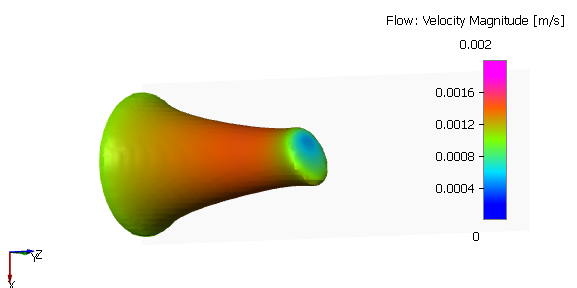
Velocity contours on Isosurface
- Select Isosurface 01 under Derived Surfaces.
- Select Results Panel > Variable > Derived Variables > Velocity Magnitude.
|
Figure 12.17 - Isosurface of temperature
|
|
Figure 12.18 - Isosurface with contour overlay
|