|
You are here: Tutorials > Propeller Acoustics > Setting up the Ffowcs-Williams Hawkings (FWH) Acoustic model
|
11.16.4 Setting up the Ffowcs-Williams Hawkings (FWH) Acoustic model
This section explains the procedure to setup FWH model using the project file created for broadband source model in the Problem Overview. The FWH model can be run only as a transient simulation.
Importing the Geometry
The first step is to import the prepared CAD Surfaces for the model.
- Select File > Open. The file acoustics_propeller_model_steady.spro is selected from the working directory in the Open Project dialog box, click Open.
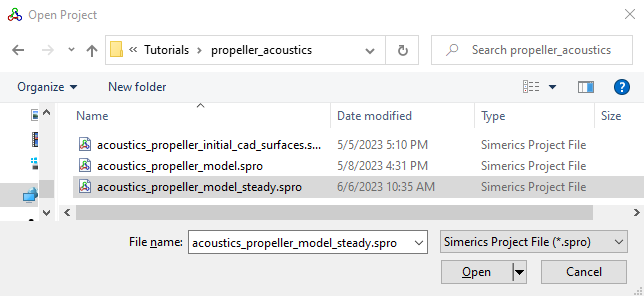
Figure 11.377 - Importing the geometry
| ´ | Note: To import .STL file refer to Import/Export Geometry or Grid. |