|
You are here: Additional Templates and Tutorials > Data Exchange Module and Tutorial > Data Exchange Module Tutorial > Contours
|
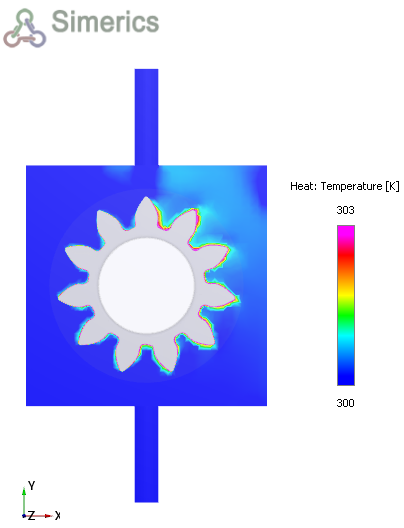
Contours
The steps to create contours are:
- Click Load Results in the Simulation Panel.
- Select the fluid_0110.sres result file in the ensuing Load Results dialog box, click Open.
Temperature Contours
- Click Create a Cross-Section
 in the Geometric Entities Panel. A new section Section 01 is created under Derived Surfaces.
 - Select Section 01 under Derived Surfaces.
- Select Plane Z for Type and enter Position as 0.014 in the Geometry Tab of Properties Panel.
- Select Variable as Temperature from the drop-down list in the Results Panel.
- Specify Min as 300 K and Max as 303 K in the Results Panel.