Computational domain
This section explains the preparation of surfaces to create the domain. This is done with the operations splitting, combining and renaming of the surfaces.
Mixing Tank Surfaces
- Select CAD Surfaces mixingtank in the Geometric Entities Panel.
- Select Split/Combine Geometry or Grid in the Mesh Panel.
- Select Split Disconnected from the Operation drop-down list in the Properties Panel, click Split Disconnected. Two new CAD Surfaces are created in the Geometric Entities Panel.
- Rename the CAD Surfaces mixingtank_01 as mixingtank_stator and mixingtank_02 as mixingtank_rotor.
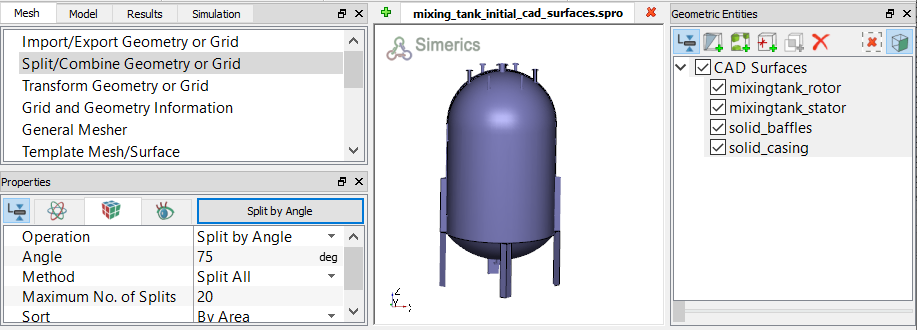
Figure 11.280 - Split of Mixing Tank CAD surfaces
Rotor Surfaces
|
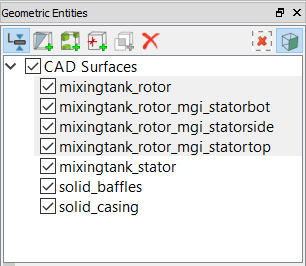
Figure 11.281 - Rotor surfaces |
Stator Surfaces
|
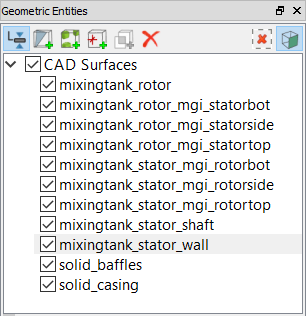
Figure 11.282 - Stator surfaces
|