11.13.3 Simulation
This section explains the settings to run the Mixing Tank simulation.
Simulation Settings
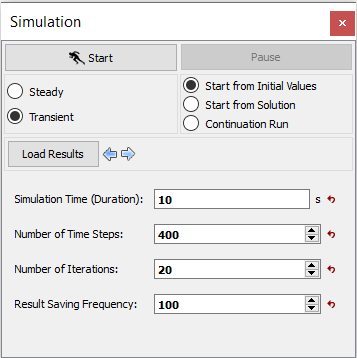
- Select Simulation Panel, verify that the Simulation Time (Duration) and Number of Time Steps to 10 s and 400 respectively.
- Verify that the Result Saving Frequency is 100 (see, Figure 11.294).
- After you save the project, click Start to run the simulation.
- The result files are saved as .sres in the working folder. This file is overwritten depending on the Result Saving Frequency.
| Note: The Result Saving Frequency option in the Simulation Panel is set to a small value (say 5 or 10) before running the simulation to obtain better animations. |
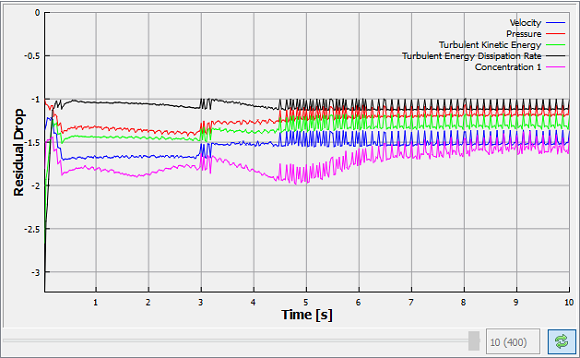
| Note: The default Converge Criterion is 0.1 for Transient Simulations. When the residuals for all the variables drop by one order or the maximum Number of Iterations is reached, the calculation proceeds to the next time-step. |