Animations
The steps to create a streamline animation are shown below:
Velocity Magnitude Streamline
- Click Select Modules in the Model Panel to open Physical Model Selection dialog box.
- Select Streamline in the Available Modules list and click Add.
-
Click Close to close the Physical Model Selection dialog box. Streamline is added in the Geometric Entities Panel.
- Select the Boundaries top_surface, bottom_surface and inner_radius under Concentric_annulus in Volumes.
- Select Yes for the Release Particle from the Streamline drop-down list and enter 100 for the Number of Particles in the Model Tab of Properties Panel.
- Select Streamline in the Geometric Entities Panel.
- Enter 0.0001 for Line Thickness and 0.05 for Animation Time Size.
- Select Velocity Magnitude from the Derived Variables list in the Variable drop-down list of Results Panel.
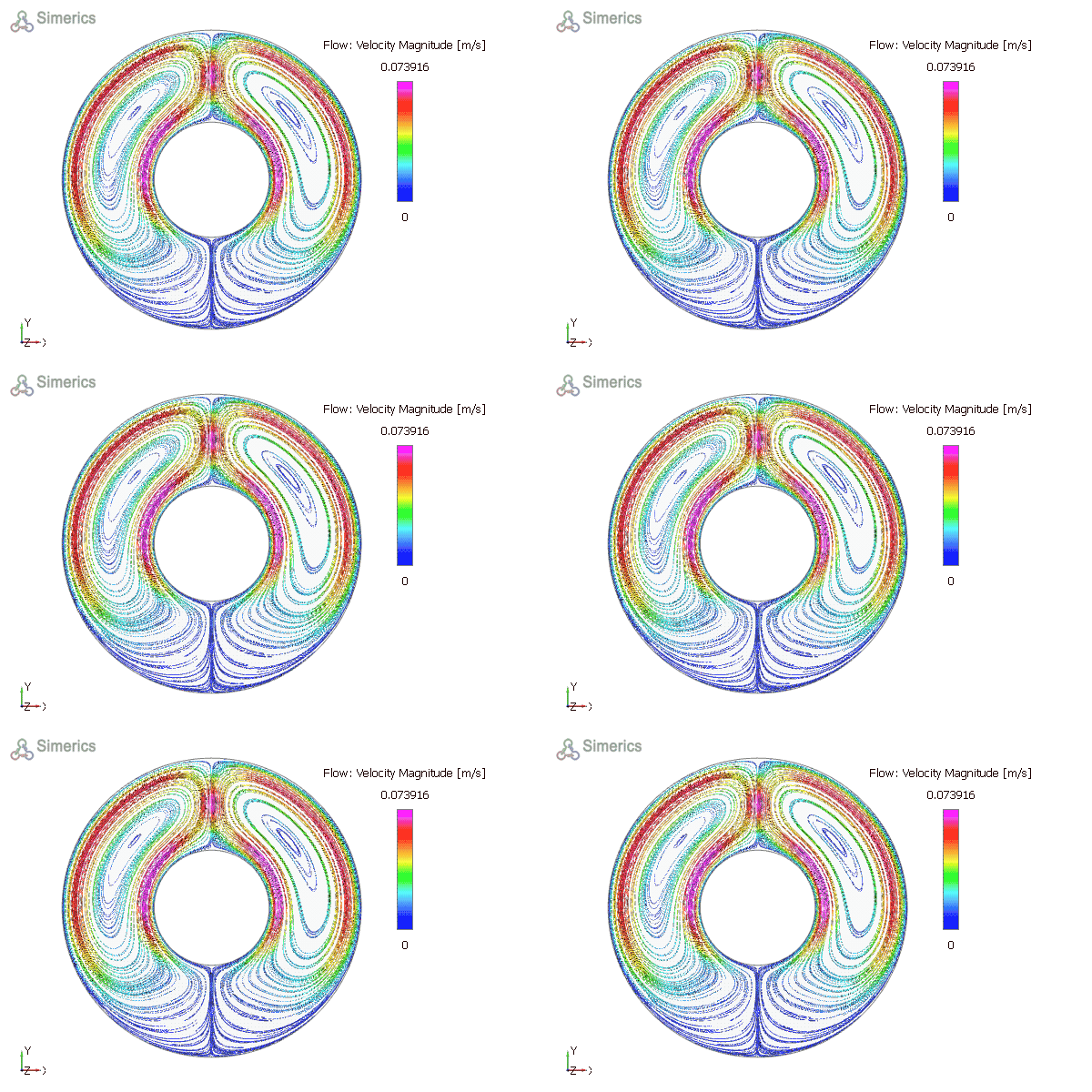
Figure 11.216 - Streamline (Velocity Magnitude)