Contours
The most common contours for the natural convection simulation are the temperature contours across the domain. The steps to create contours are:
- Click Load Results in the Simulation Panel.
- Select the required result file in the ensuing Load Results dialog box, click Open.
Temperature Contours
- Select Concentric_annulus under Volumes in the Geometric Entities Panel.
- Select Surface as Yes under View Tab of Properties Panel.
- Select Temperature from the Variable drop-down list in the Results Panel.
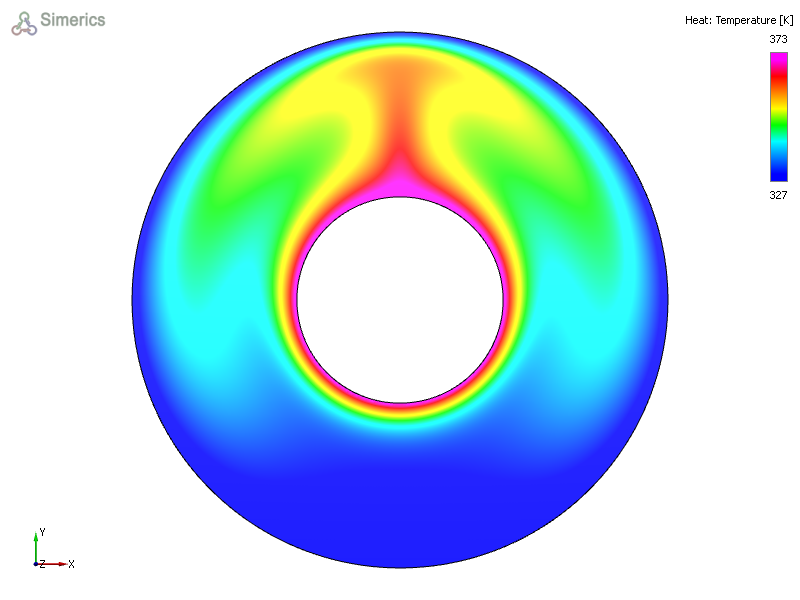
Figure 11.214 - Temperature contours on volume