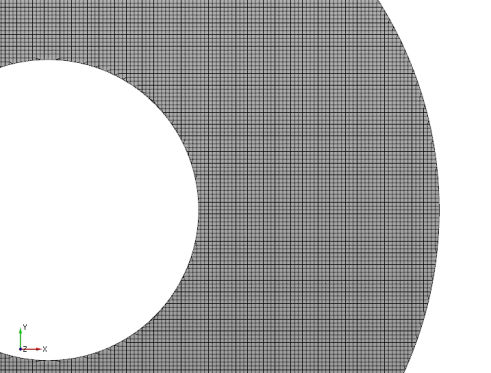
Concentric annulus mesh
- Select General Mesher in the Mesh Panel.
- Select CAD Surfaces top_surface, bottom_surface, inner_radius and outer_radius in the Geometric Entities Panel.
- Click Add Surfaces
 of the CAD Surfaces in the Properties Panel. of the CAD Surfaces in the Properties Panel.
- Enter Mesh Name as Concentric_annulus, Maximum Cell Size as 0.005 and Minimum Cell Size as 0.0005 in the Properties Panel.
- Click Create Mesh. A new mesh Concentric_annulus is created under Built Meshes in the Geometric Entities Panel.
- The meshed volume Concentric_annulus is generated under Volumes.
|
|
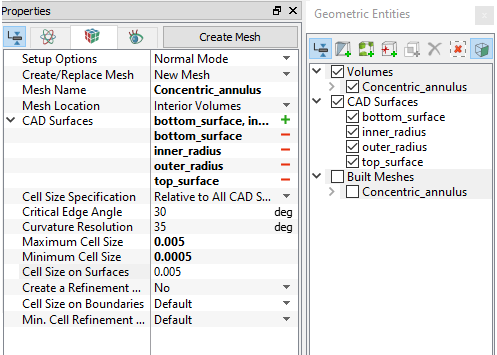
Figure 11.202 - Concentric annulus mesh settings
|