Animations
Animations are created from saved .res files, The Result Saving Frequency option in the Simulation Panel is set to a small value (say 5 or 10) before running the simulation to obtain better animations. The steps for an animation are shown below:
Particles
- Select Particle under Particles in the Geometric Entities Panel and change the Particle Size Scale (view only) to 10 in the Model Tab of the Properties Panel.
- Select Particles in the Geometric Entities Panel.
- Select Velocity Magnitude under Derived Variables list for the Variable drop-down list in the Results Panel.
- Select File > Save Animation, to save animation.
- Select the result files for animation data in the Select Result Files dialog box.
- Under File name, give a suitable name for the .gif animation in the Select GIF File for Movie, PNG File for Frames dialog box.
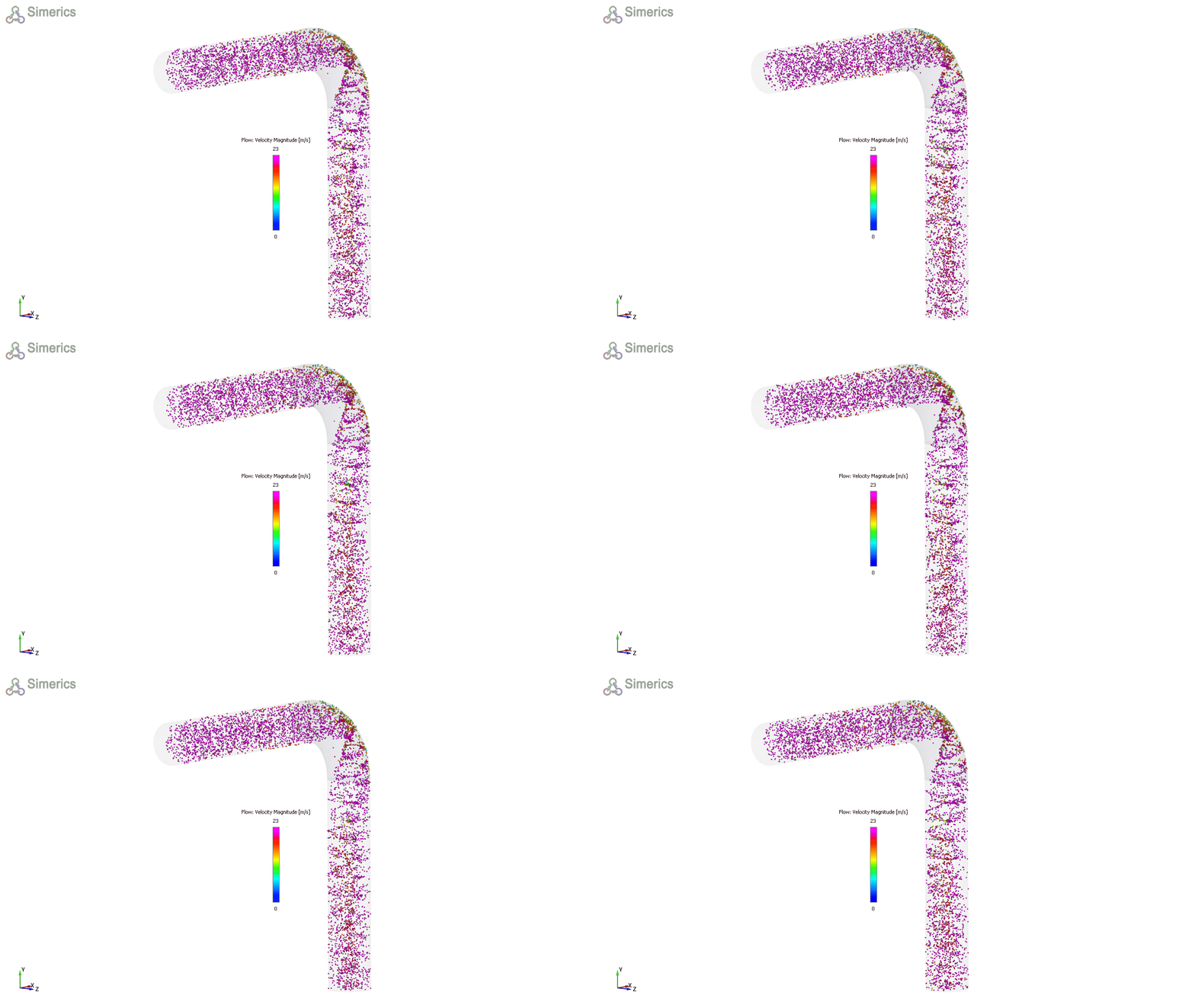
Figure 11.329 - Particles