3.5 Model Panel
|
The Model Panel enables to add or delete modules (Physics). Modules activated as part of the simulation are listed in the Model Panel. Global properties associated with an active module are available in the Properties Panel. |
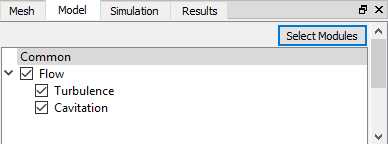
Figure 3.26 - Model panel |
Select Modules
A module is added or deleted from the simulation using the Select Modules button. This launches the Physical Model Selection dialog box. The modules available in Simerics-MP are shown under Available Modules and the ones added to the simulation are shown under Simulation Modules list in the Physical Model Selection dialog box. Modules can be added to or removed from the simulation by clicking Add and Delete respectively.
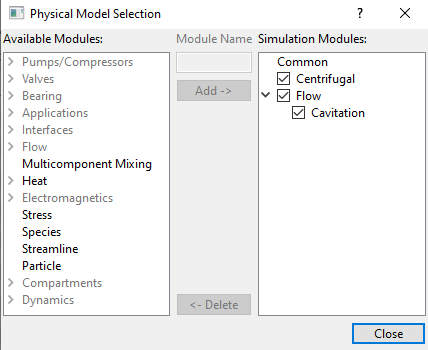
Figure 3.27 - Physical model selection
|
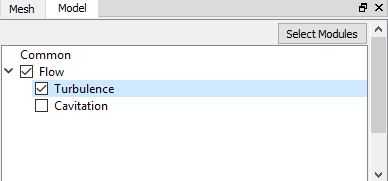
Figure 3.28 - Module check box |