5.10.4 Volume Conditions
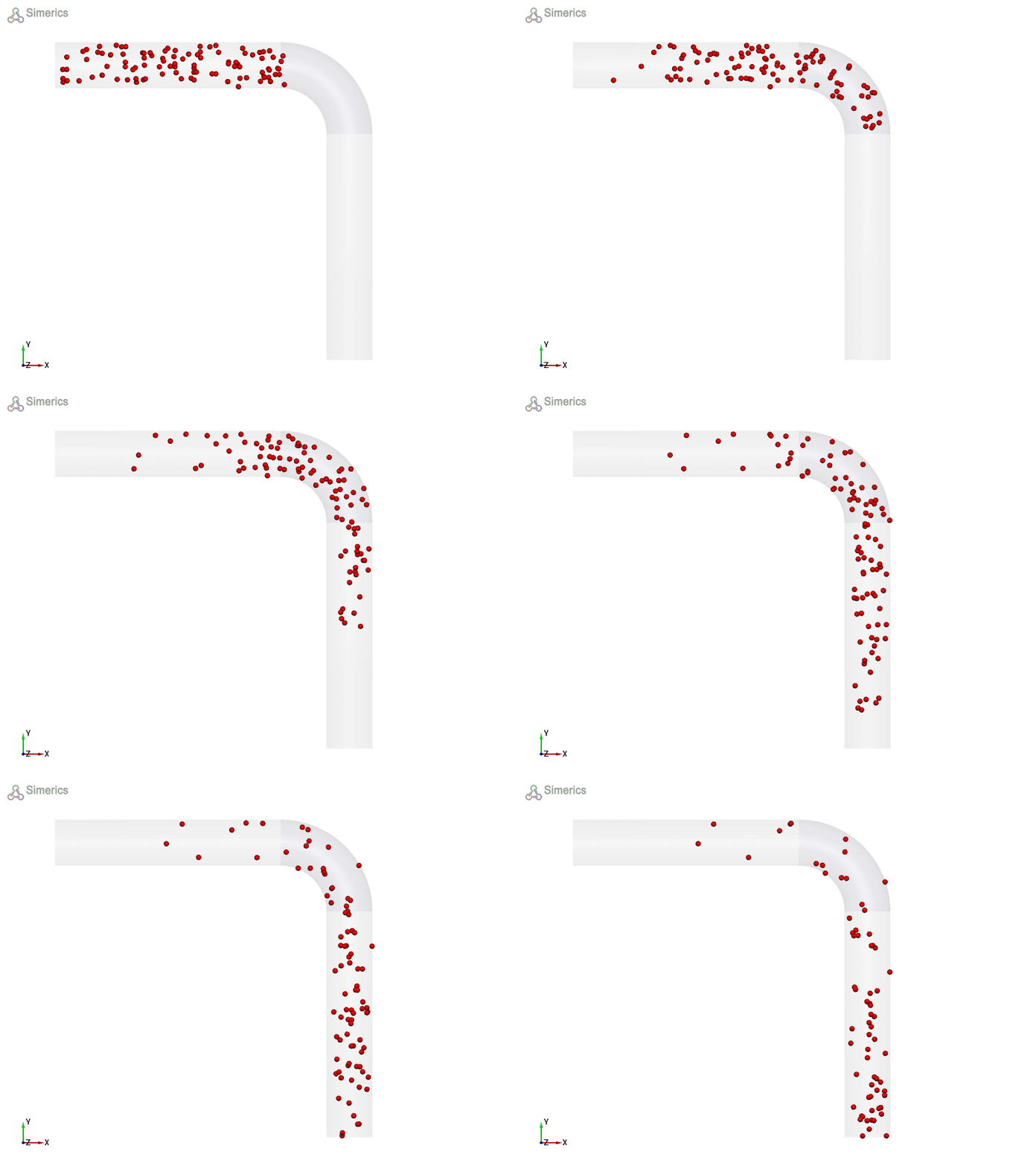
Particles can also be released from any positions in the volume using different patterns and are specified as follows:
The list of parameters corresponding to paticles module defined at volume level is explained below:
Release Particle
Release Particle activates the release of particle at the volume level. To activate the release of particle, Click Yes for Release Particle option. With the activation of Release Particle, the following parameters appears to define the particle.
- Release Position
- Number of Particles
- No. of Particles Per Parcel
- Radius of Particles
- Initial Velocity
- No. of Particles
- Mass of Particles
Release PositionFor each particle, the starting position is specified when it is released. At volume level, the release position can be determined by one of the two options as shown in Figure 5.237
|
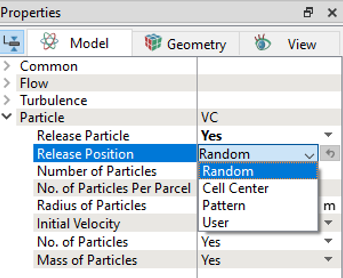
| ´ | Note: If the Cell center or Pattern is selected under Release Position, Number of Particles to be released from the selected volume must be entered manually. |
Pattern
|
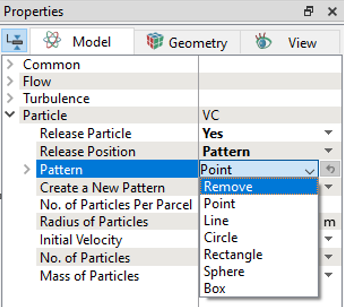
Release pattern is specified at volume level using this option. For particles, the release position or pattern is defined using any of the options below:
|
Figure 5.239 - Pattern |
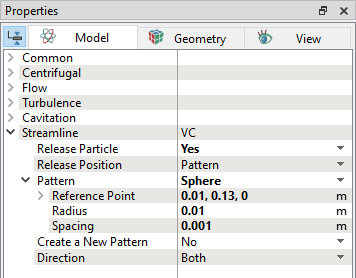
Sphere
|
Particles are released from a sphere-shaped volume from the selected volume.
|
Figure 5.241 - Sphere |
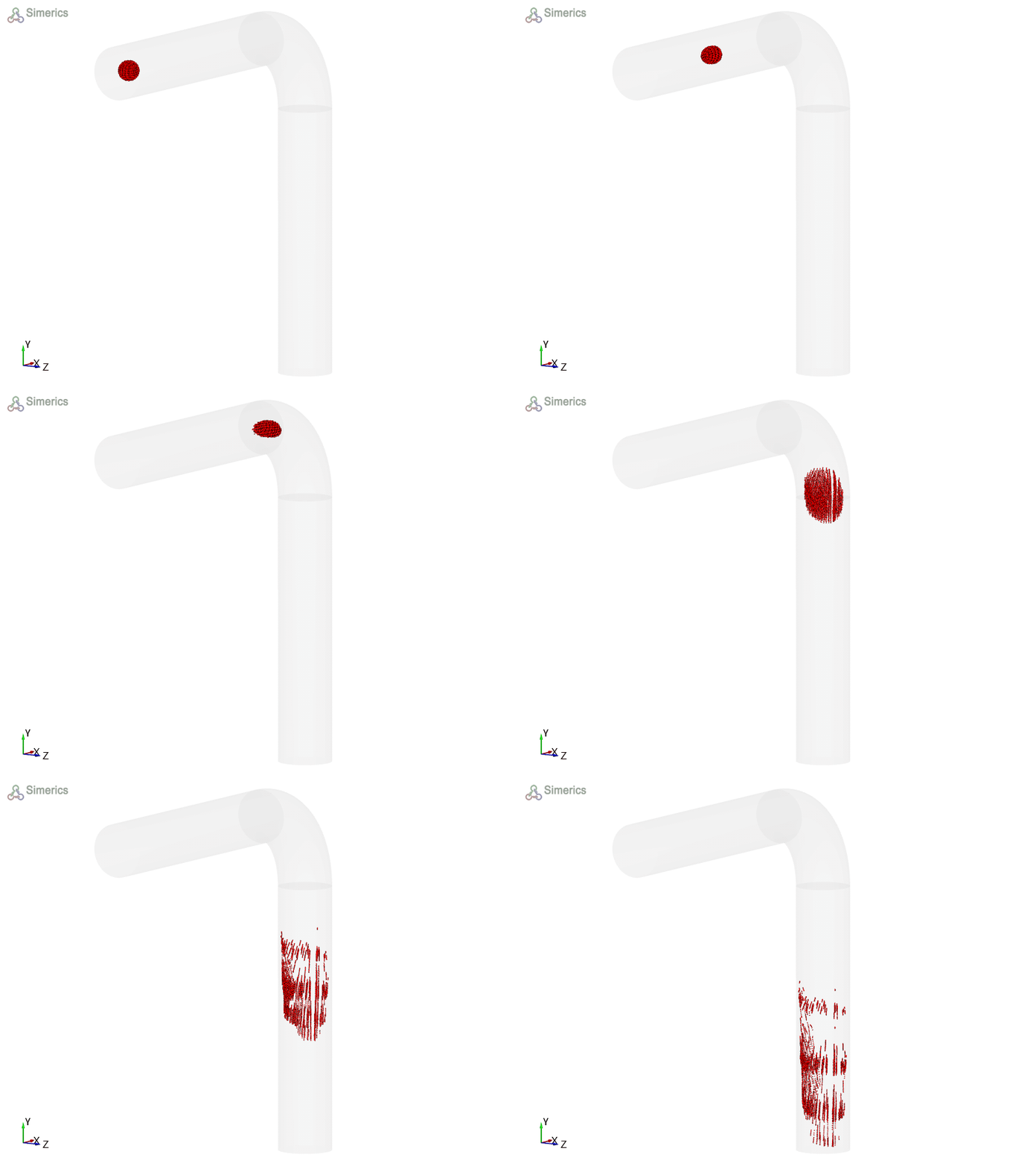
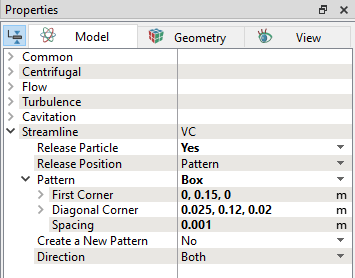
Box
|
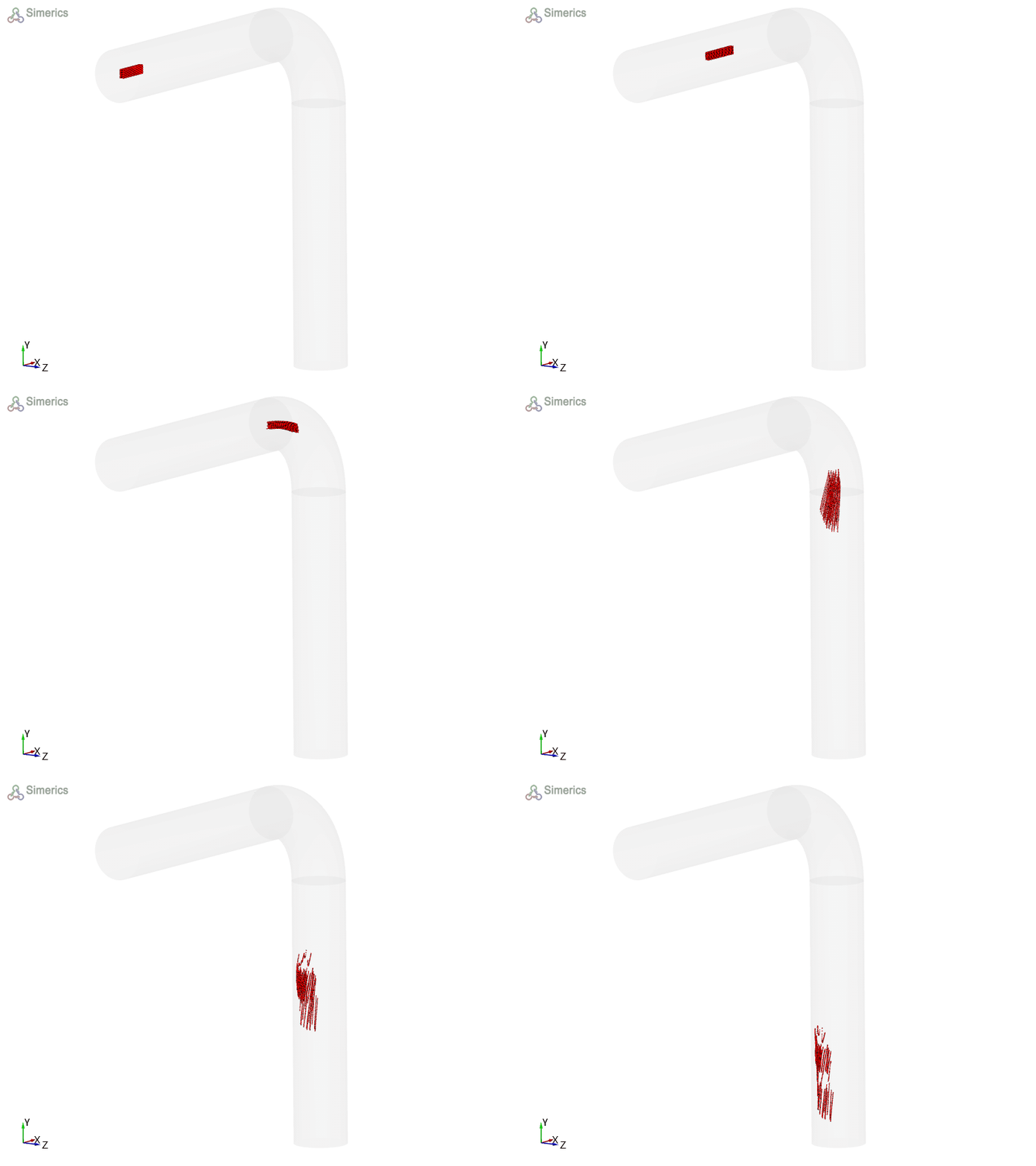
Particles are released from a box-shaped volume from the selected volume.
|
Figure 5.243 - Box |
Radius of Particles
The shape of the particle is spherical and does not displace any fluid in the domain. The radius of the particle must be greater than zero.
Initial Velocity
The initial velocity is specified at the release position and release time. It contains two options.
- Same as Fluid: The initial velocity is same as local fluid velocity.
- User Specified: User specified initial velocity, such as Vx, Vy, Vz, which are the initial velocity components in the cartesian coordinate system.
No. of Particles
If selected Yes, the total no of particles released in the volume can be specified.
Mass of Particles
If selected Yes, it activates mass for the particle and must be specified in the particle module.