中文 English
You are here: Post-Processing > Particles

12.5 Particles

Particle refers to a with-mass or massless particle with an assumed spherical shape and user defined size. They are added using the Particle module and only work for Transient simulations.

To generate Particles/Streaklines,

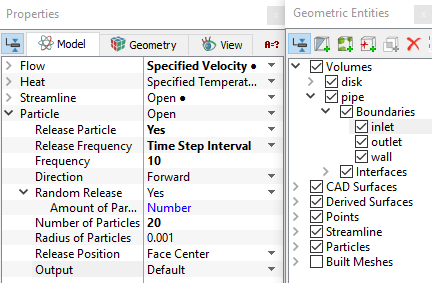
  1. Add Particle module and release Particles for the desired boundary.
  2. In the expanded list under Particle in the Properties PanelModel Tab, define Release Frequency, Frequency value and Number of Particles for each release.
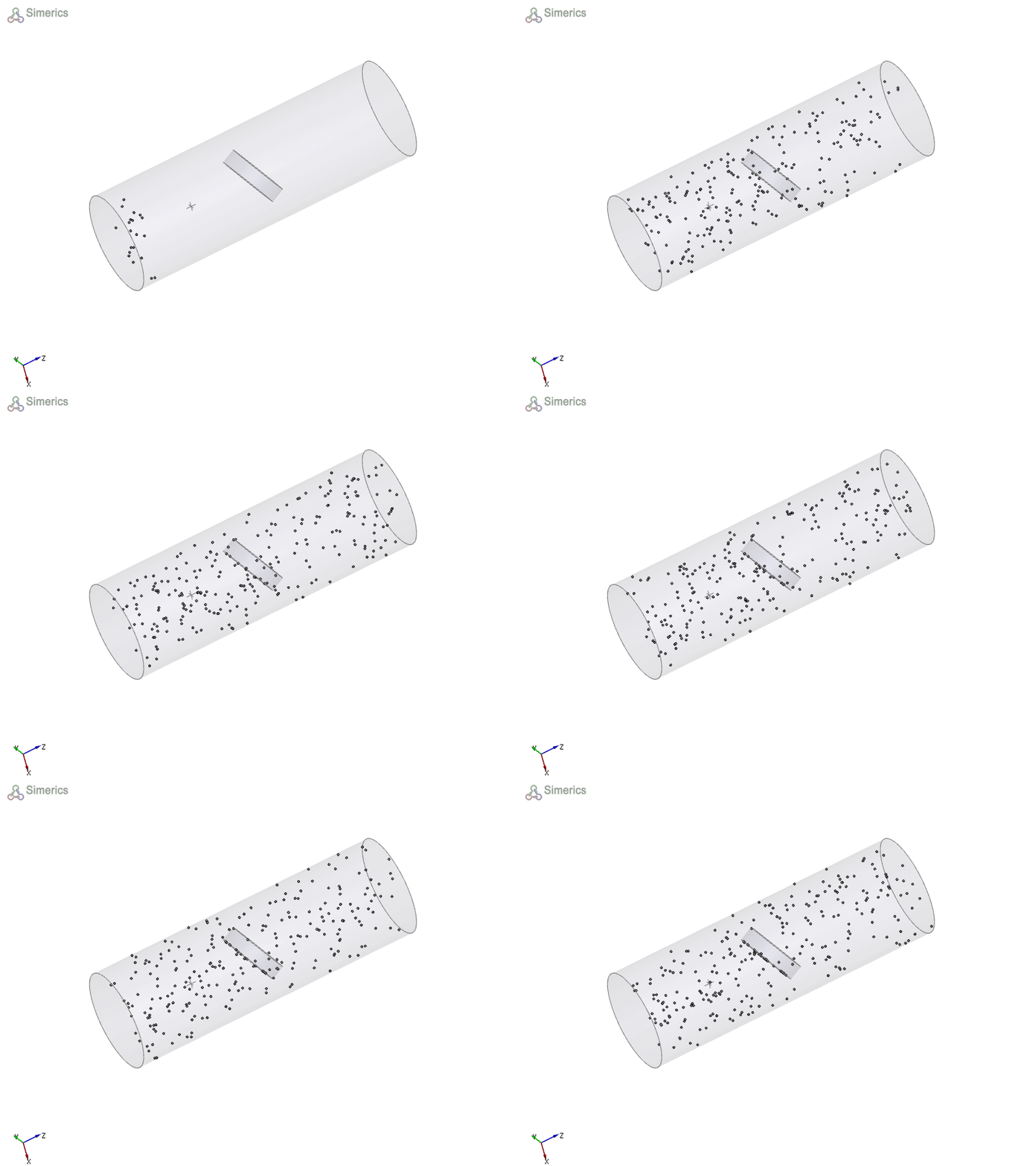
  3. If Particle is selected under Tracking method, particles are generated as shown in Figure 12.21
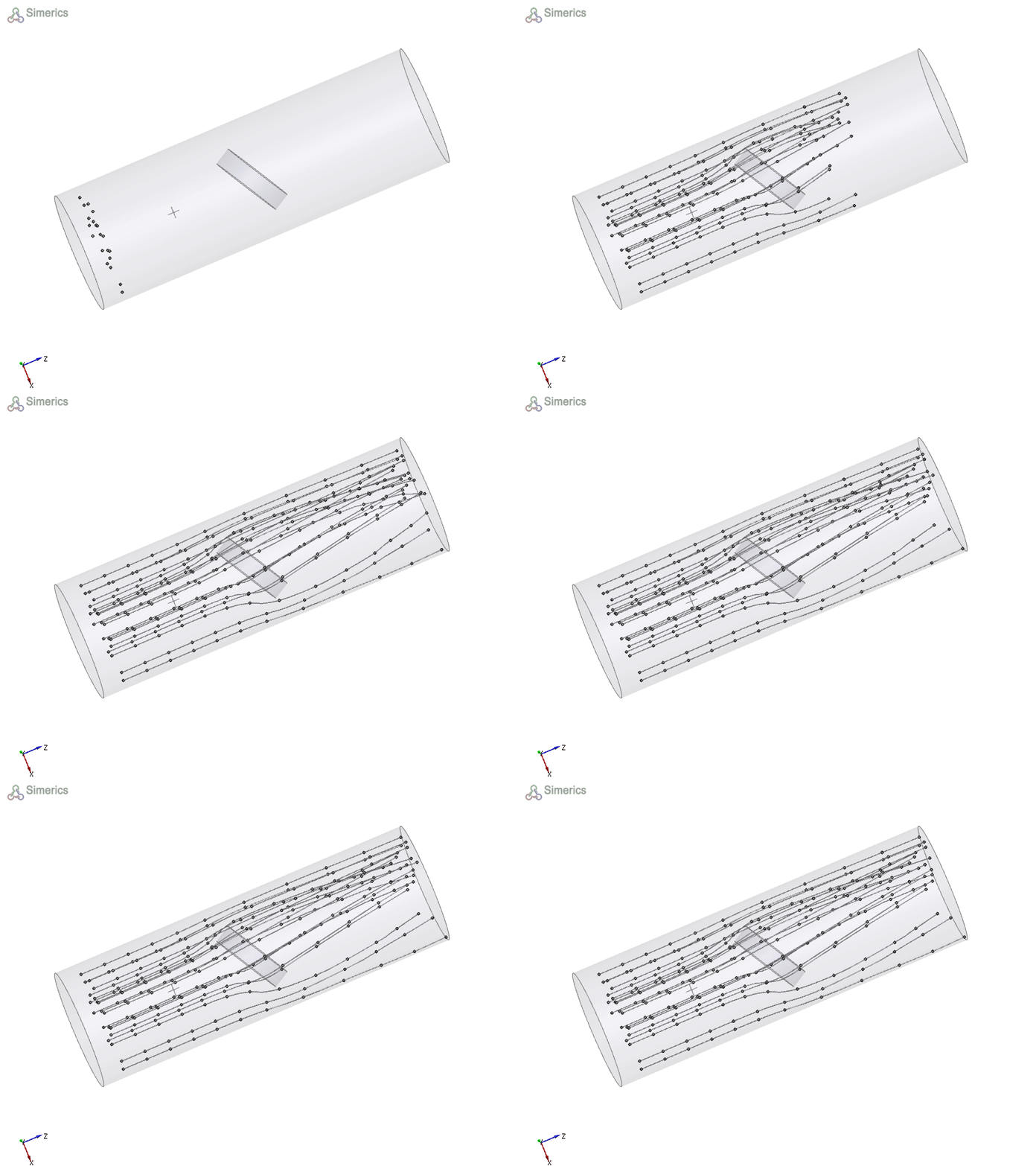
  4. If Streakline is selected under Tracking method, streaklines are generated as shown in Figure 12.22.


The color of the Particle can be changed or a variable can be displayed on the Particle as shown below:

  1. Select the particle in the Geometric Entities Panel.
  2. Go to Properties PanelView Tab.
  3. The color of the Particle can be changed using Color under Surface.
  4. Any variable can be displayed on the Particle using the Display Variable under Surface.
 

Figure 12.20 - Velocity particle

´ Note: For a step-by-step procedure to create Particle, refer to tutorial Heated Disk.


Figure 12.21 - Particle


Figure 12.22 - Streakline


Copyright © 2023 Simerics Inc.,