|
You are here: Automotive Templates and Tutorials > Vehicle Template > Vehicle FEAF Tutorial > Computational domain
|
Computational domain
This section explains the CAD parts considered for the simulation. Basically, the vehicle simulation consists of the vehicle body, wind tunnel, radiator, fan and other vehicle parts. To simplify the simulation, fan is not modelled in this tutorial and also the inside parts of the car are simplified.
Vehicle surfaces and wind tunnel
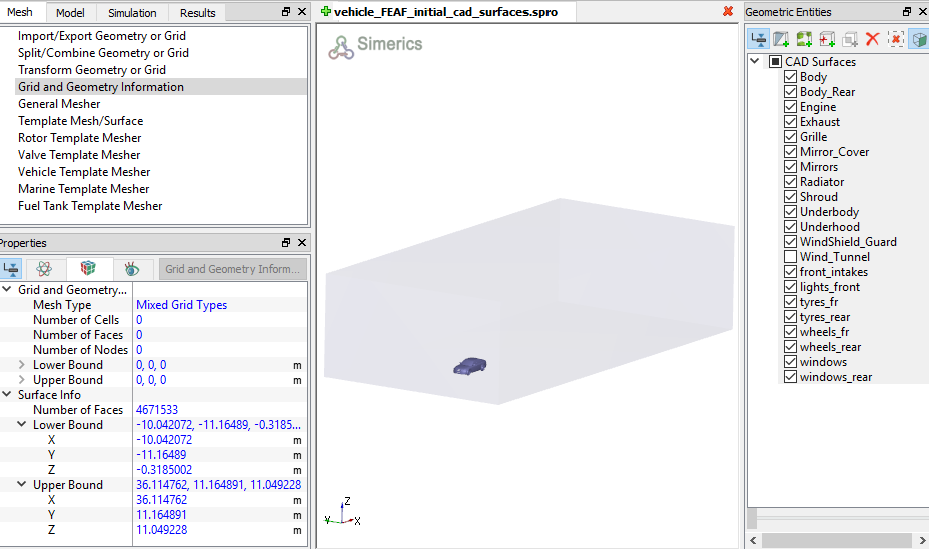
This vehicle simulation includes wind tunnel and vehicle surfaces along with a radiator as shown in Figure 7.43. All the vehicle and wind tunnel surfaces are imported into Simerics-MP+. There are multiple ways to create wind tunnel surfaces inside Simerics-MP+ using the Vehicle Template Mesher. Refer manual for more information.
The dimensions of the imported geometry can be accessed by the following steps: