6.13.2 Compartment Valve Model
|
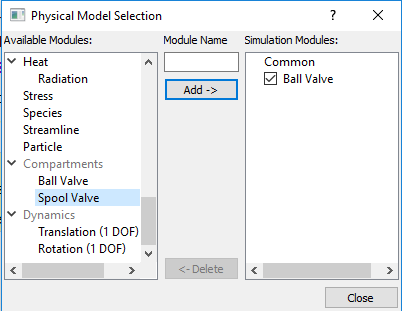
A Compartments module option used to connect two boundaries with a dynamic 1-D analytical model of a Ball Valve or a Spool Valve. The 1-D valve model is activated under the Compartments module as follows: Model Panel > Select Modules > Physical Model Selection dialog box (see, Figure 6.774). After adding Ball Valve or Spool Valve from Available Modules list, view the available parameters as follows: Model Tab > Ball Valve/Spool Valve > Properties Panel > Model Tab
|
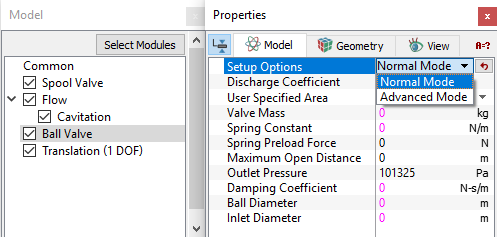
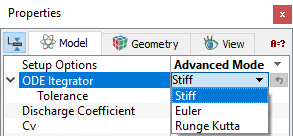
Once the above parameters are specified, further parameters are described under: