11.4.2 Setting up the model
This section describes step-by-step, the definition of the computational domain, mesh and the physics for the heated disk simulation.
Importing the Geometry
The first step is to import the geometry or surfaces.
- Select File > Open.
- Select file pipe_flow_with_heated_disk_initial_cad_surfaces.spro from the tutorial directory in the Open Project dialog box, click Open.
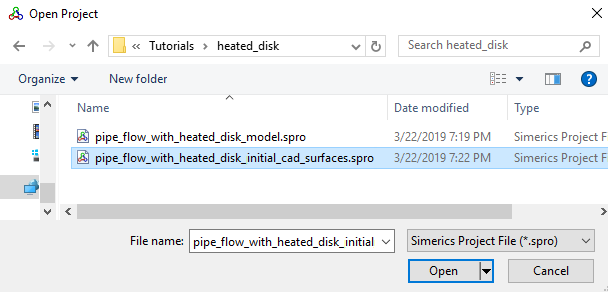
Figure 11.76 - Importing the geometry
| Note: To import .STL file refer to Import/Export Geometry or Grid. |
The steps involved in setting up the model are:
- Building the Mesh: Once the domain is selected, a grid of appropriate resolution is created to solve the problem.
- Defining Physics & Conditions: Defining the physics and the conditions for the problem.