|
You are here: Marine Templates and Tutorials > Marine Hull Template > Marine Tutorials > Setting up the model
|
Setting up the model
This section describes step-by-step, the definition of the computational domain and the physics for the self propelled boat simulation.
Importing the Geometry
The first step is to import the geometry or surfaces.
- Select File > Open. The file selfpropelledboat_initial_cad_surfaces.spro is selected from the working directory in the Open Project dialog box, click Open.
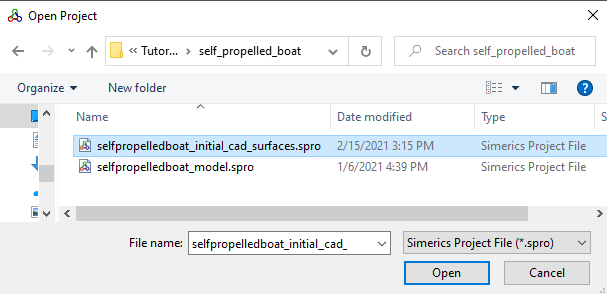
Figure 8.63 - Importing the geometry
After the CAD is imported, the steps involved in setting up the model are:
- Computational domain: In the case of a marine simulation, the flow is external and has to be solved around the structure of the ship. Hence the computational domain is created around the ship surface that is in contact with the water.
- Building the Mesh: Once the domain is selected, a grid of sufficient resolution is created to solve the flow around the vessel.
- Defining Physics: Defining the physics and the conditions for the problem.