12.2 Grid, Contours and Vectors
To display the Grid, Contours and Vectors, use the following steps:
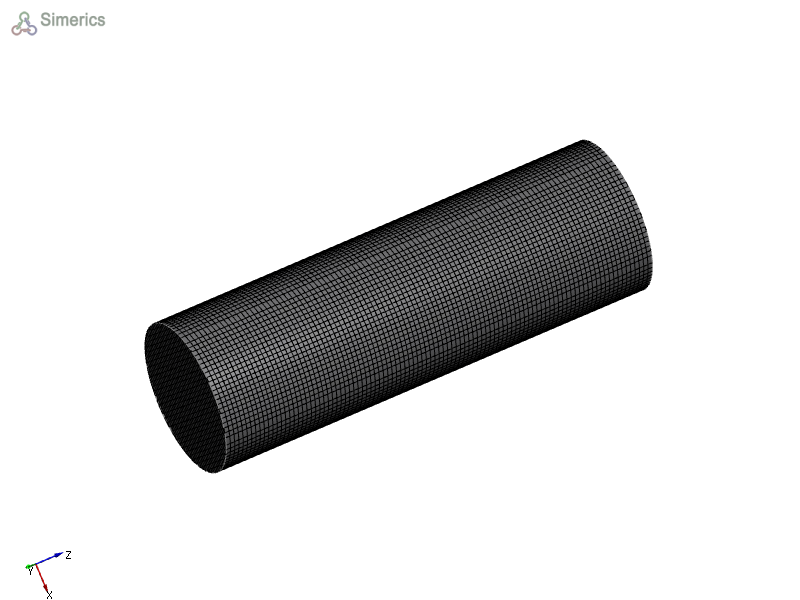
Display Grid
- Select Boundary/Volume/Sections/Iso Surfaces/CAD Surface under the Geometric Entities Panel.
- Enable Surface and Grid in the Results Panel.
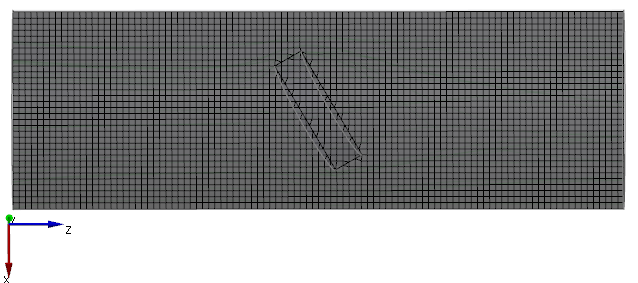
|
Figure 12.8 - Grid on Section |
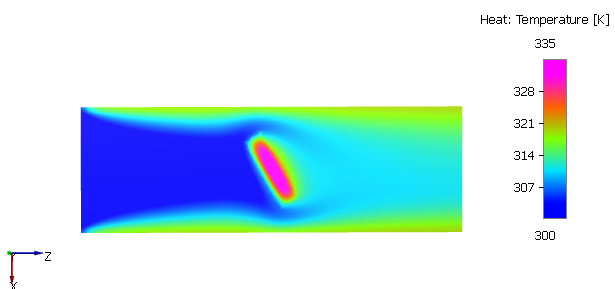
Display Contours
- Select Boundary/Volume/Sections/Iso Surfaces under the Geometric Entities Panel.
- Enable Surface and select a Variable in the Results Panel.
Other display parameters such as cell and node based views, smooth color map and legend can also be adjusted in the Results Panel.
|
|
Figure 12.10 - Temperature contours on section |
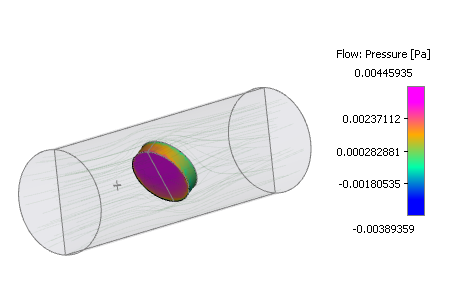
| ´ | Note: Variables can be displayed over Boundaries and Interfaces. For more information, refer to the post-processing sections in Tutorials. |
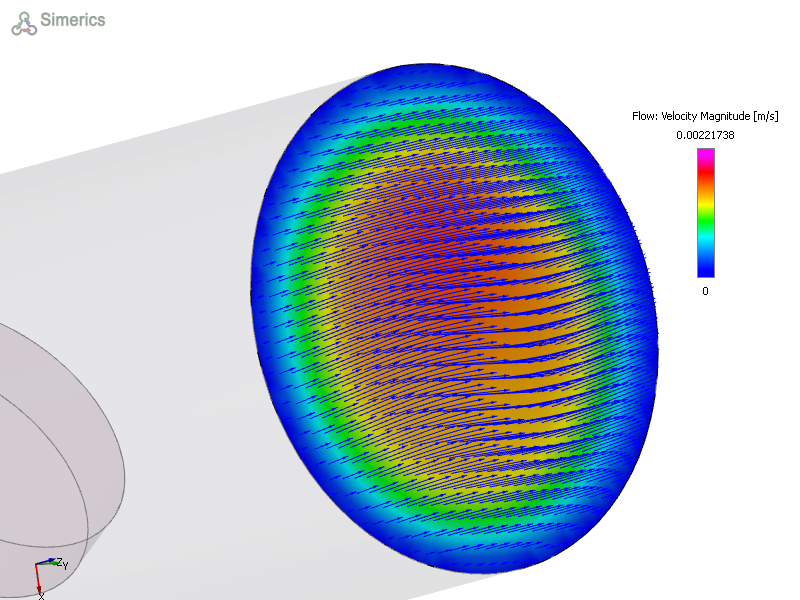
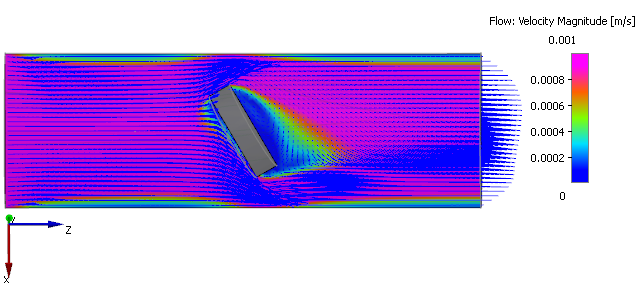
Velocity Vector
- Select Boundary/Volume/Sections under the Geometric Entities Panel.
- Enable Surface and Vectors in the Results Panel.
- Select Velocity Magnitude under Variable in the Results Panel.
Other vector related properties can also be changed in the View Tab of Properties Panel.
|
|
Figure 12.12 - Velocity magnitude contour overlay with vectors on section |
| Note: The Variable can be reset any time by selecting No Selection from the Variable drop-down list in the Results Panel. |