|
You are here: Additional Templates and Tutorials > Data Exchange Module and Tutorial > Data Exchange Module Tutorial > Setting up the Solid model
|
Setting up the Solid model
This section describes step-by-step, the definition of the computational domain, mesh and the physics for the CHT solid model.
Importing the Geometry
The first step is to import the prepared CAD Surfaces for the solid model.
- Select File > Open. The file solid_prepared_cad_surfaces.spro is selected from the working directory in the Open Project dialog box, click Open.
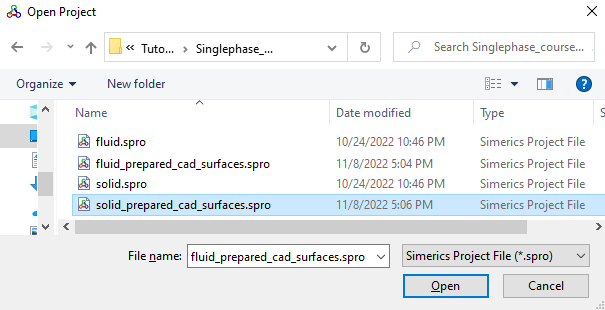
Figure 10.29 - Importing the geometry
| ´ | Note: To import .STL file refer to Import/Export Geometry or Grid. |
The steps involved in setting up the model are:
- Computational Domain: In the case of a solid model system, the computational domain is the solid gear and shaft.
- Building the Mesh: Once the domain is selected, a grid of sufficient resolution is created to solve the heat transfer.
- Defining Physics & Conditions: Defining the physics and the conditions for the problem.